
SEO & growth
A calmer checklist for launch day.
The details worth checking before your site goes live.
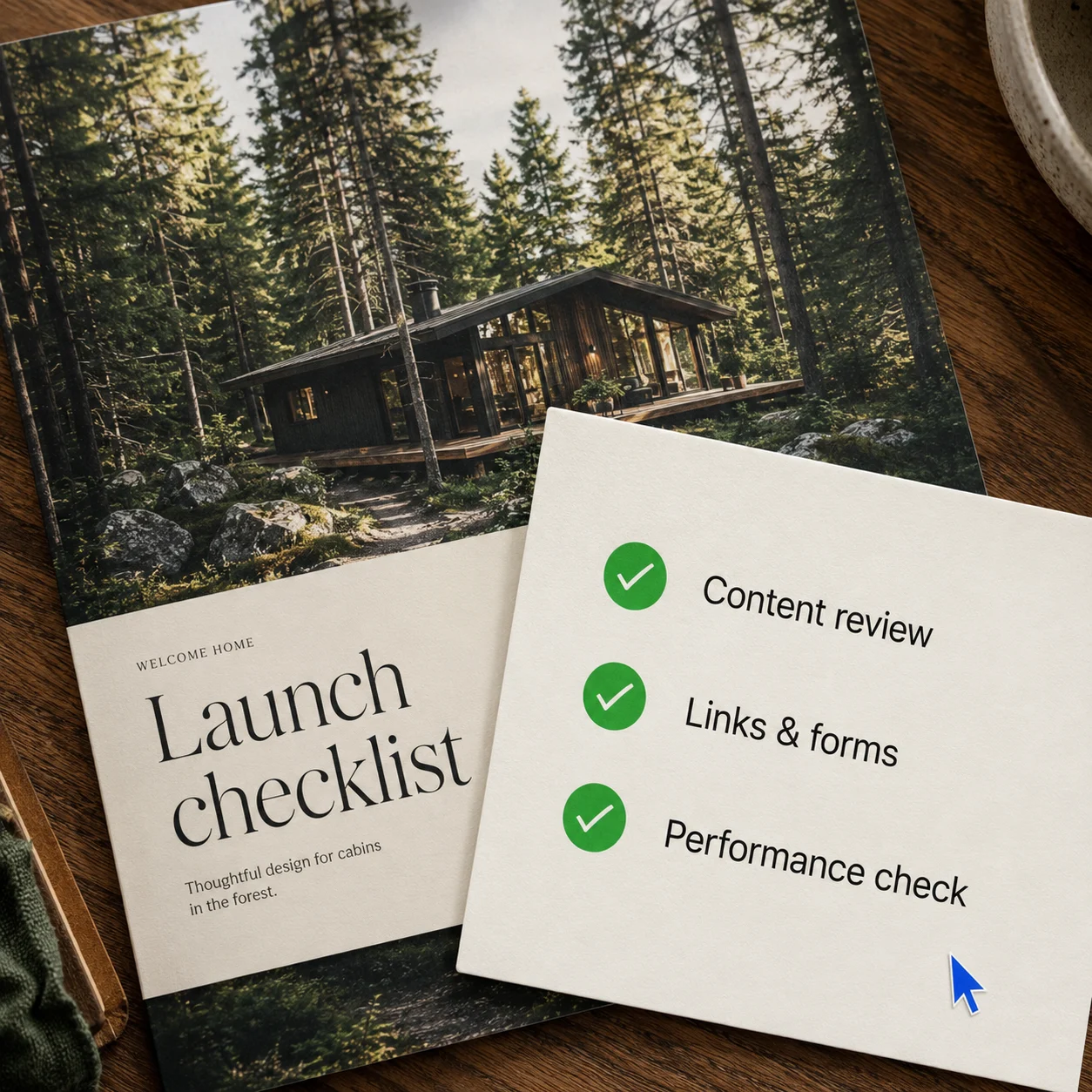
Launch day is easier to approach when ‘ready’ means a specific set of checks. Your website can keep developing after it goes live, but visitors should be able to understand your business and use its essential features from the start. Set aside a focused review session, keep a short list of issues, and work through the things that affect real tasks first.
Check the information people will act on
Read each page with practical questions in mind. Are service descriptions accurate? Are opening hours, locations and contact details current wherever they appear? If an offer has conditions or limits, can someone find them before taking the next step?
Remove placeholder copy, unfinished sections, and sample testimonials. Confirm that every image belongs on the page and that you have permission to use it.
Pay particular attention to repeated details. A phone number in the footer is easy to miss when you have already corrected it on the contact page.
Complete the main visitor journeys
Choose the two or three most important tasks your website supports. These might be sending an enquiry, requesting an appointment, or finding delivery information.
Start at the homepage and complete each journey yourself. Follow buttons and links instead of jumping directly to the destination. Check that the labels describe what actually happens.
For forms, try leaving a required field empty, then submit a clearly labelled test entry. Confirm that useful feedback appears and that the message reaches the intended inbox. A success message by itself does not prove that the request arrived.
Review the experience on different screens
Open the site on a phone and a larger screen. Look for text that feels cramped, headings that break awkwardly, images that hide important details, and buttons that are difficult to tap.
Try moving through links, menus, and form controls using the keyboard. Check that you can see which element has focus. Make sure images that convey information have useful text alternatives.
Ask another person to try one ordinary task without coaching. Record where they struggle. These checks help uncover problems, although they do not replace a fuller accessibility review when one is needed.
Decide what needs fixing before launch
Sort your findings into two short lists. The first is for issues that prevent understanding or completing an essential task. The second is for improvements that can follow, such as an extra photograph or a more detailed introduction.
Resolve the first list, then repeat the affected checks. Confirm who will receive enquiries and who can update the site. Keep a record of any settings or content you may need to restore.
Once the site is live, check the public address and complete the main journeys again. Then give yourself room to learn from how people actually use it.